Extend Battery Life on Phones, Laptops, and Tablets with Simple Habits
Make your phone, laptop, and tablet last longer with simple, proven habits—smarter charging, fewer background drains, and settings that save power.
Small Habits, Big Gains. In the world of computers and consumer electronics, extending battery life is less about hacks and more about consistent, simple routines. Phones, laptops, and tablets all rely on lithium‑based cells that prefer moderation: steady temperatures, balanced charge cycles, and mindful usage. Start by noticing what drains power most on your devices: screen brightness, wireless radios, and background processes. Create a daily rhythm that nudges these into efficient territory without sacrificing convenience. For instance, reduce brightness a notch before you feel you need to, shorten auto‑lock by a minute, and pause apps that constantly refresh. These shifts compound across a day and across devices. Keep chargers in strategic spots so you top up when it is practical rather than waiting until the last moment, and place devices on cool, hard surfaces while charging. Over time, you will not just squeeze out extra hours; you will also preserve overall battery health, meaning fewer recharges and a more reliable experience.
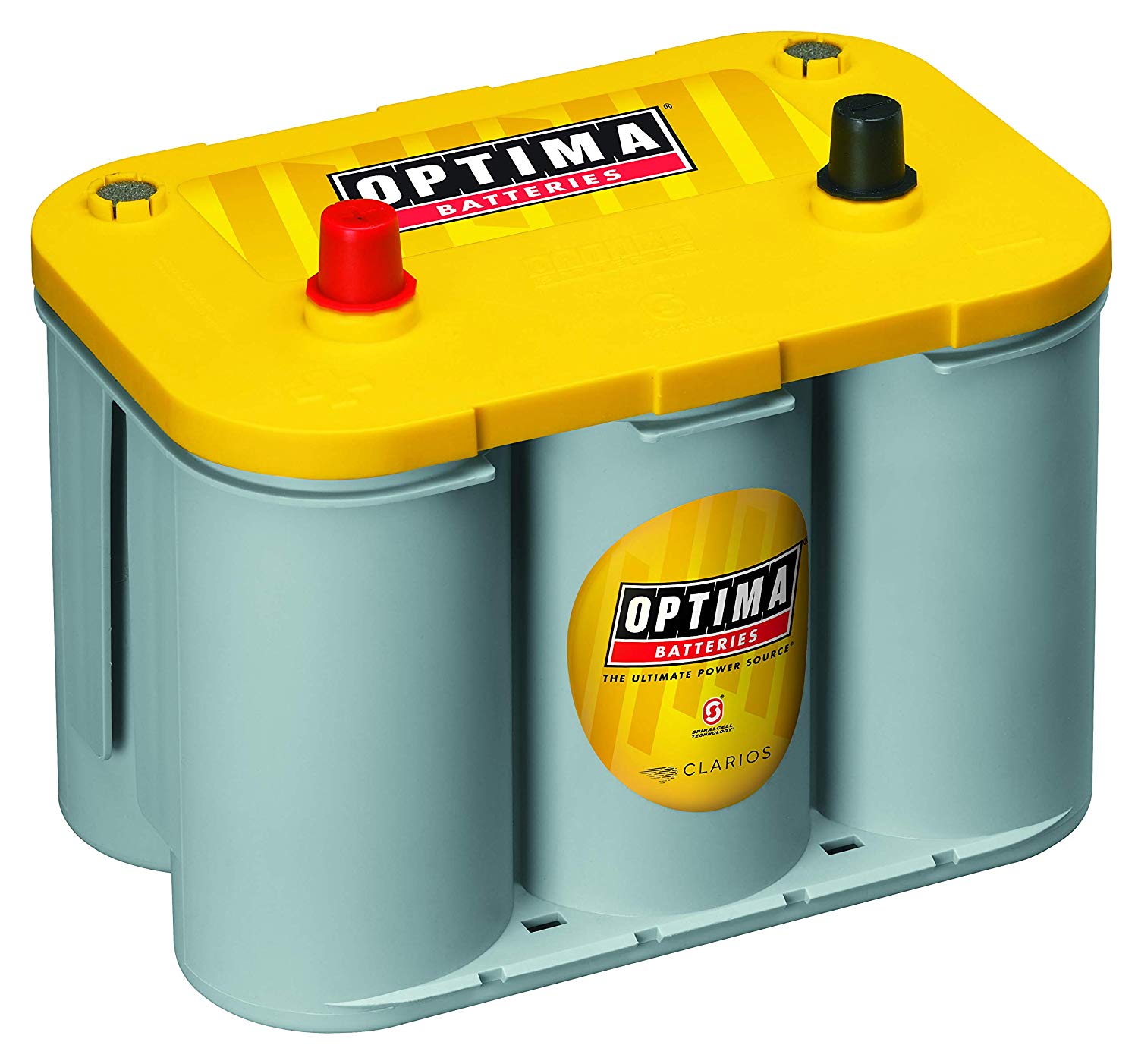
Charge Smarter. Batteries are happiest living between moderate levels, so aim to keep them roughly in the 20–80 percent range during routine days. Occasional full charges are fine, but avoid frequent deep discharges that strain chemistry and increase wear. When possible, favor slower charging; fast charging is convenient, yet it generates more heat, which is a major enemy of battery longevity. If your case traps warmth, remove it while charging at home. Use certified chargers and cables to deliver stable current and protect both your device and the battery. On laptops, avoid running heavy tasks while plugged in for long stretches; the combined load and heat can stress cells. Instead, finish intensive work, then let the system idle or unplug when practical. Many devices include optimized charging that pauses at a threshold and finishes close to your typical unplug time; enable it to reduce time spent at a high state of charge without changing your routine.
Tame the Screen and Sound. Displays are the biggest draw on phones, tablets, and often laptops. Lower brightness to the comfortable minimum and consider adaptive brightness only if it consistently chooses conservative levels. If your device has an OLED screen, dark mode and darker wallpapers can trim meaningful power by lighting fewer pixels. Reduce refresh rate when smoothness is not essential, and set a shorter auto‑lock or sleep timer so idle time is not displayed time. On laptops, nudge down the keyboard backlight and reduce external monitor brightness if connected. Trim system sounds, haptics, and notification banners; they wake radios and screens. Disable flashy live wallpapers and always‑on animations that look nice but drain quietly. For media, use wired headphones when convenient, which can sip less power than Bluetooth over long sessions. Finally, keep a habit of closing full‑screen video or presentation windows the moment you are done; leaving them open prevents the device from dimming and sleeping promptly.
Control Connections. Wireless radios are powerful and power‑hungry. Prefer Wi‑Fi over cellular when available; it is typically more energy efficient for data. In areas with weak signal, your phone works harder to maintain a link, so consider airplane mode or temporarily disabling cellular if you do not need calls. Toggle Bluetooth and location services only when required, and restrict apps that constantly query GPS. If you must use a mobile hotspot, set a timeout and keep the client device near the host to reduce transmission power. Schedule large downloads and cloud backups for times you are on Wi‑Fi and, ideally, plugged in. On laptops, turn off unused adapters like Bluetooth when not in use, and switch to metered connection settings to reduce background syncing. For tablets, keep push notifications for only essential apps; each ping awakens radios and the screen. A few streamlined connection habits can free up hours without changing how you actually work or play.
Manage Background Activity. Many apps keep working long after you close them. Review background refresh, auto‑sync, and notification permissions, granting them only to essentials like messaging or calendar. Set email to fetch less frequently or use smart notifications for priority threads. Prune widgets that constantly update weather, finance, or social feeds. On laptops, limit startup programs and browser extensions that silently consume CPU cycles; a cooler processor means a happier battery. Consolidate cloud services so you do not run multiple sync clients for the same folders. Regularly clear offline maps, downloads, and cached media you no longer need to reduce indexing and scanning. When traveling, switch media apps to offline mode to avoid network chatter. Close power‑hungry browser tabs, particularly ones with auto‑playing video or real‑time dashboards. These choices reduce tiny but cumulative drains, keeping your device in low‑power states more often and lengthening the time between charges without compromising responsiveness.
Use Power Modes Wisely. Modern systems include battery saver, low power, or efficiency profiles that automatically reduce background activity, limit visual effects, and manage CPU performance. Enable these modes proactively when you know you will be away from outlets. On laptops, choose balanced or eco power plans, dim the display slightly, and set shorter timers for sleep. Prefer hibernate over long stretches of sleep to eliminate slow background drain. Calibrate app‑level battery optimization so critical services are allowed to notify you, while nonessential apps are kept in check. Keep software updates current, as they often improve power management and driver efficiency. When presenting or watching video, use the platform's video playback optimization that can lower refresh rate and prioritize decoder efficiency. If you dock a laptop often, consider a manufacturer setting that caps maximum charge to reduce wear. Thoughtful use of these built‑in tools automates savings without constant manual micromanagement.
Protect Battery Health. Temperature and time are silent degraders. Avoid extreme heat by keeping devices out of direct sun, hot cars, and tight bags while charging. Ensure ventilation for laptops during intensive tasks; elevate the rear slightly to improve airflow. Store rarely used devices around half charge and in a cool, dry place to slow aging. Do not obsess over hitting exact percentages; aim for moderate state of charge and avoid habitual full drains. Periodically check battery health metrics in system settings to understand capacity trends. If your workflow needs sustained high performance while plugged in, use a stand or cooler and consider settings that power the device while bypassing constant battery cycling when available. Keep ports and connectors clean for efficient charging, and replace worn cables promptly. Over the long run, consistent, gentle treatment preserves both runtime and longevity, ensuring your phones, laptops, and tablets remain dependable companions day after day.