How to Choose the Right Laptop for Work, Study, or Travel
Choose the right laptop for work, study, or travel by weighing performance, portability, battery life, display quality, and budget—plus OS and ports.
Define Your Needs and Workflows
Before comparing specs, clarify who you are as a user: a remote professional juggling spreadsheets and calls, a student switching between lectures and research, or a traveler prioritizing light baggage and quick setup. Map your primary tasks to hardware demands. Heavy multitasking, data analysis, design, or coding favors stronger processors, more RAM, and faster storage. Note your software ecosystem and required apps, including any platform-specific tools. Consider security and privacy needs, like biometric sign-in and drive encryption, especially for work machines or frequent flyers. Factor in where you work: a quiet library might need a fanless or low-noise system; a shared office calls for a solid webcam, quality microphone, and reliable Wi-Fi. If your organization enforces device management, ensure compatibility with IT policies. For study, balanced portability, day-long battery life, and durable build matter most. For travel, quick wake, sleep-to-standby reliability, and sturdy chassis protection are key. Start with your workflows; let features follow.
Portability and Form Factor
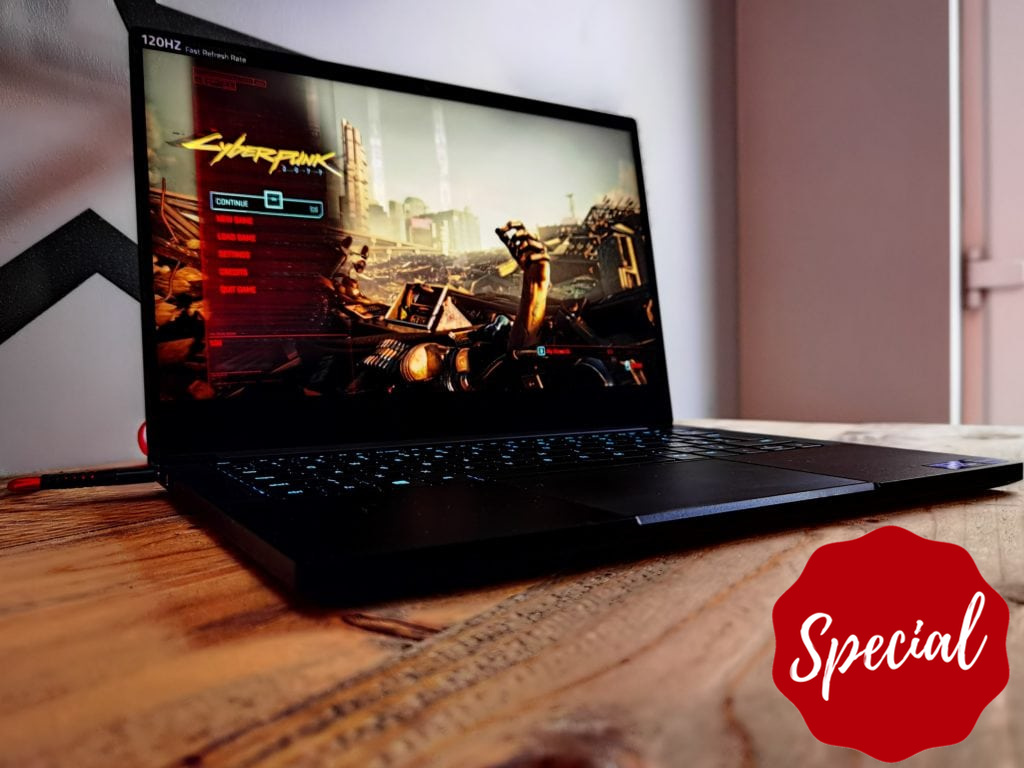
Your ideal form factor balances screen size, weight, and durability. Frequent travelers benefit from ultra-portables that slip into a backpack without strain, while desk-bound users may prefer a roomier display. A 13- or 14-inch laptop often hits a sweet spot for mobility, whereas 15- and larger screens offer more workspace for creative or analytical tasks. Consider 2-in-1 convertibles for tablet-style note-taking and presentations, or traditional clamshells for typing comfort and rigidity. Evaluate build materials and hinge quality; metal or reinforced designs feel sturdier and can better handle life on the move. Check keyboard deck rigidity, lid flex, and overall fit and finish. Little touches count: a webcam privacy shutter, fingerprint reader, and backlit keyboard improve daily use. For study halls and travel lounges, compact chargers and slim bezels reduce bulk. Ultimately, pick the smallest machine that still supports your tasks without eye strain or ergonomic compromise.
Performance: CPU, RAM, and Graphics
For responsive work, balance CPU, RAM, and graphics based on your tasks. Office suites, web apps, and light photo edits run well on efficient processors with strong single-core performance. Developers, analysts, and power users benefit from more cores and higher sustained performance under load. Aim for at least 16 GB of RAM for smooth multitasking; consider 32 GB if you manage large datasets, heavy browser sessions, or virtual machines. For visuals, integrated graphics handle everyday work and media, while a discrete GPU accelerates 3D design, video editing, or GPU-accelerated analytics. Watch thermal design and cooling; slim machines may throttle under extended loads, affecting sustained speeds. Storage speed matters too: a NVMe SSD dramatically improves boot times, app launches, and file operations. If you rely on AI-enhanced tools, look for emerging on-device acceleration that improves efficiency and privacy. Prioritize balanced performance that fits your workflows without unnecessary heat, noise, or battery drain.
Display, Input, and Comfort
Your screen and inputs shape daily comfort. Choose a display with resolution that matches your eyes and tasks; sharper panels improve text clarity for long reading or coding sessions. Consider aspect ratio: taller displays show more lines of text or spreadsheet rows, boosting productivity. For color-critical work, look for panels with strong color accuracy and wide gamut coverage; for travel or classrooms, anti-glare coatings and higher brightness fight reflections. If you scroll or sketch often, a touchscreen or stylus support may help. Balance refresh rate with battery life; smoother motion can be pleasant, but it may use more power. A responsive keyboard with satisfying travel and a roomy trackpad reduce strain through long days. Do not overlook speakers and microphones if you attend frequent calls. A reliable webcam with decent low-light performance helps you look professional anywhere. Prioritize ergonomics to protect posture, eyes, and hands over marathon sessions.
Battery Life, Charging, and Power Management
Long days demand dependable battery life. Capacity, measured in watt-hours, gives a rough idea, but efficiency and your workload matter more. Productivity tasks run longer than video exports or gaming. Seek laptops with smart power profiles, quick wake, and well-tuned idle behavior. For travel, favor USB-C Power Delivery so one compact charger can top off multiple devices. Fast charging helps you recover hours during short breaks. If you work in transit, consider compatibility with power banks and airline seat power. Lighter systems may have smaller batteries; offset this with efficient screens, modest refresh rates, and optimized sleep settings. Keep adapters simple: a compact, right-angled plug prevents cable stress in tight spaces. Verify thermal management under battery to avoid heat on your lap. Finally, build habits that extend life: dim the display, close heavy apps, and calibrate battery health tools. A reliable power plan turns any cafe table into a productive desk.
Storage, Ports, and Connectivity
Your files and peripherals shape daily flows. For most users, 512 GB of fast NVMe SSD storage is a comfortable floor; choose 1 TB or more if you manage large media libraries or datasets. Check whether storage or RAM can be upgraded later; some ultra-thin models are sealed, so buy enough headroom up front. Match ports to your gear: USB-C for modern docks and charging, USB-A for legacy devices, HDMI for projectors, and SD or microSD for creators and photographers. If a laptop is port-light, budget for a quality hub or dock. Prioritize strong wireless connectivity with reliable Wi‑Fi performance and stable Bluetooth for headsets and keyboards. Travelers may value cellular options for always-on access. For security, look for fingerprint or face sign-in, drive encryption, and a TPM or equivalent for enterprise features. Robust connectivity reduces friction, keeps meetings smooth, and ensures you can plug in anywhere without surprises.
Budget, Value, and Long-Term Ownership
Treat your laptop as a multi-year tool. Define a clear budget, then weigh value across performance, build, and support. Sometimes a midrange model with balanced specs outlasts a costlier one that overheats or lacks upgrade paths. Compare warranty terms, on-site service options, and availability of authorized repair. If sustainability matters, favor repairability, modular parts, and responsible materials. Consider certified refurbished units to stretch funds without sacrificing reliability. Evaluate software lifecycle and OS updates that keep your system secure and smooth. Plan for backups and safe data migration; a small investment in an external drive or cloud plan safeguards your work and study. Budget for essential accessories like a protective sleeve, ergonomic stand, and a travel-friendly charger. Finally, think about resale value and durability: a well-built, well-maintained machine is cheaper to own over time. Buy for the user you are today—and the one you are growing into.