USB-C and Fast Charging Explained: Cables, Ports, and Power Delivery
Confused by USB-C and fast charging? Learn how cables, ports, and USB Power Delivery work, what wattage you need, and how to charge safely and fast.
USB-C in a Nutshell
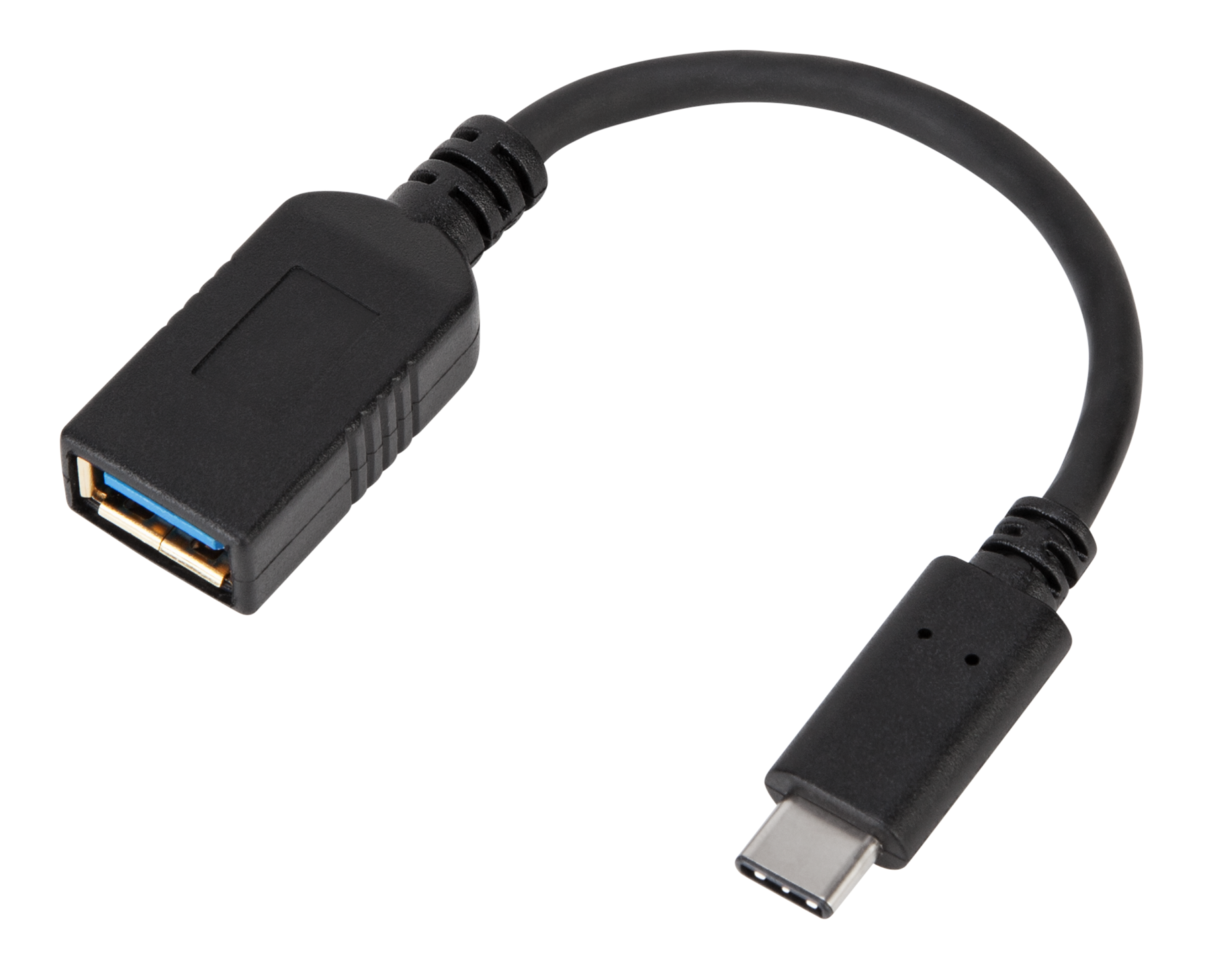
USB-C is a reversible connector that unifies power, data, and video in a single, compact port. Think of it as the shape of the plug, not the full standard behind it. The capabilities you get depend on the device, the port, and the cable in between. Some USB-C ports support only basic charging and USB 2.0 data, while others deliver high-speed data, video output, and high-wattage power. The same connector can power a phone, top up a laptop, or drive a monitor through alternate modes. This flexibility is why confusion arises: not all USB-C experiences are equal. The key is understanding the roles involved—source (power out), sink (power in), or dual-role—and how they negotiate features. USB-C's intelligence lies in handshakes that confirm what voltage, current, and data rates are safe. When everything aligns—cable rating, port capability, and device requirements—you unlock the seamless promise of one port for almost everything.
How Fast Charging Works
Fast charging is ultimately about wattage—the product of voltage and current. A device and charger negotiate power so energy flows quickly without overheating or stressing the battery. Early stages push higher current and sometimes higher voltage to fill a battery rapidly, then taper down to protect battery health as it nears full. With USB-C, standards like USB Power Delivery (USB PD) coordinate this negotiation, selecting safe voltage steps and current limits. Some devices also support programmable power for finer control, letting the charger adjust output in small increments as conditions change. Heat is the silent constraint: more power generates more warmth, and thermal management will slow charging to maintain safety. Not every device benefits from bigger chargers; the device still caps intake to what it can use. Real-world speed depends on device firmware, charger capability, cable rating, and ambient temperature. When these align, fast charging can dramatically shorten top-up times while preserving long-term battery performance.
Why Cables Make or Break Speed
A USB-C cable is more than copper and plastic—it's a critical piece of the power and data chain. Cables are rated for current and sometimes carry an E-marker chip that announces support for higher levels, such as 5 A for high-wattage charging. Without the right marker, devices often limit to 3 A, capping total wattage even if the charger can do more. Cable construction matters: thicker conductors and shorter lengths reduce resistance, sustaining higher current with less heat. On the data side, a cable may be USB 2.0 only, a full-featured USB 3.x cable, or compatible with high-bandwidth standards used by certain docks and displays. Power capability and data capability are related but not identical—you can have a cable that carries lots of power yet modest data, or blazing data with limited current. For reliable fast charging, choose certified, appropriately rated cables, and remember that mixing very long or thin cables can silently degrade both speed and stability.
Decoding Ports, Chargers, and Power Sharing
Not all USB-C ports or chargers are equal. Single-port chargers dedicate their full rating to one device, while multi-port models often use dynamic power sharing, redistributing watts when you plug in or remove devices. This can cause momentary renegotiations—brief pauses as the system rebalances power safely. Device ports also vary: some laptops provide high-wattage input and power delivery passthrough on docks, while smaller gadgets accept modest input but can still provide trickle power to accessories. Labels and icons are not always standardized, so the most reliable guides are the wattage rating, USB PD support, and whether PPS or other advanced features are listed. When in doubt, prioritize a charger with headroom—enough voltage steps and current for your largest device—then let smaller devices draw what they need. For travel, compact GaN-based designs often deliver excellent power density, but the cable still determines whether that potential reaches your device.
Power Delivery and PPS, Simply Explained
USB Power Delivery (USB PD) is the universal language that lets devices and chargers agree on safe voltage and current. It defines fixed voltage steps like 5 V, 9 V, 15 V, and 20 V, with expanded ranges enabling even higher wattage for demanding hardware. The negotiation happens quickly: a device advertises what it can accept, the charger offers what it can supply, and both settle on a profile. PPS—short for Programmable Power Supply—adds finer control, allowing small, rapid adjustments in voltage and current. This can improve efficiency, manage heat, and optimize battery chemistry during the fast-charging phase. PD also supports role swaps, so a laptop can charge a phone, then the phone can provide power to an accessory, all through the same reversible connector. Importantly, PD is designed for backward compatibility: when advanced features are unavailable, devices fall back to safe, lower-power modes, ensuring universal baseline charging.
Safety, Battery Health, and Heat
The trio of safety, battery health, and heat governs every fast-charging session. Modern devices monitor cell temperature, state of charge, and internal resistance, commanding chargers to raise or lower power on the fly. If a device or cable gets hot, charging will slow automatically. Quality chargers include overcurrent, overvoltage, and thermal protection to prevent failures. Batteries prefer moderate temperatures; even when hardware permits aggressive fast charging, it's normal to see speeds taper as the battery fills. Using a cable beyond its rating can trigger slowdowns or disconnections, so match current limits and watch for E-marker support when seeking high wattage. Leaving devices plugged in is generally safe because of smart charge management, which reduces stress near full capacity. For best longevity, occasional partial charges, avoiding extreme heat, and using certified accessories can meaningfully preserve capacity over time without sacrificing the convenience of modern fast charging.
Smart Buying and Troubleshooting
To buy smart, focus on three pillars: charger capability, cable rating, and device needs. Choose chargers with USB PD and, when relevant, PPS for finely tuned fast charging. Match wattage to your largest device, then consider how multi-port power sharing affects simultaneous charging. For cables, look for clear amp ratings and, for higher wattage, an E-marker. Keep lengths reasonable to minimize voltage drop, and prefer reputable, certified options. If charging seems slow, test with a shorter or thicker cable, try a different port, or unplug other devices on a shared charger. Many devices display a fast charging indicator or show estimated time to full; if that disappears, negotiation likely fell back to a safer profile. Docking stations and hubs can introduce complexity—try direct connections for maximum power. With the right mix of PD features, proper cables, and a bit of methodical testing, USB-C charging becomes predictable, fast, and dependable.